Features
Shortcut to mastery
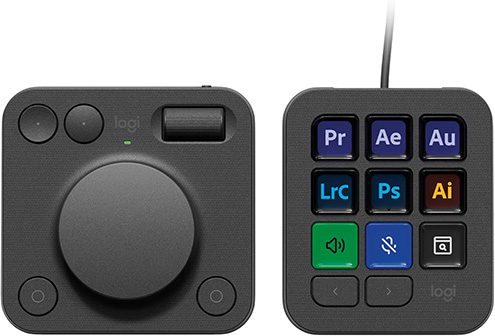
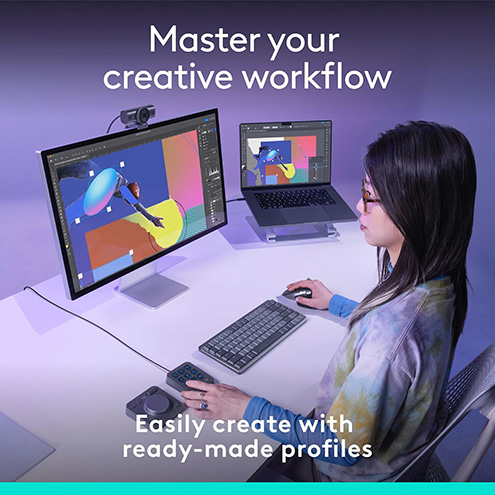
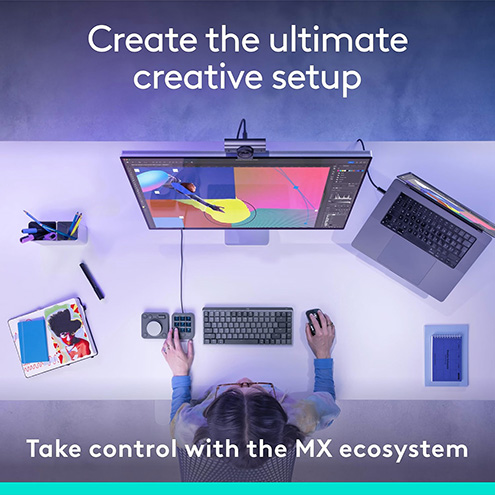
Master your creative workflow, and focus on your creation with MX Creative Console. Access editing tools and actions effortlessly with the customizable LCD display keypad and take control with precise tactile analog controls on the wireless dialpad.
Supercharge your creative workflow
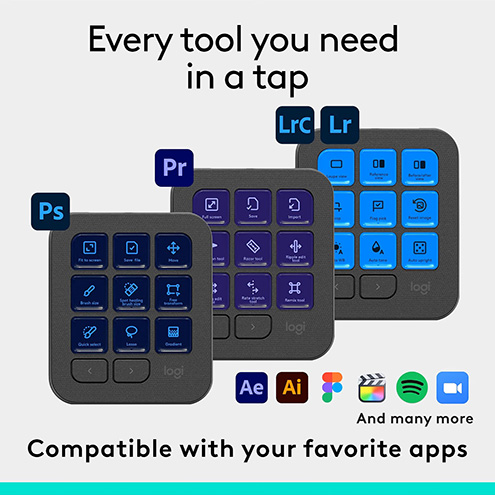
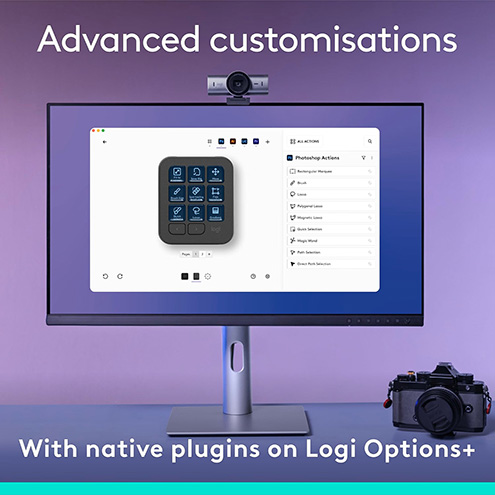
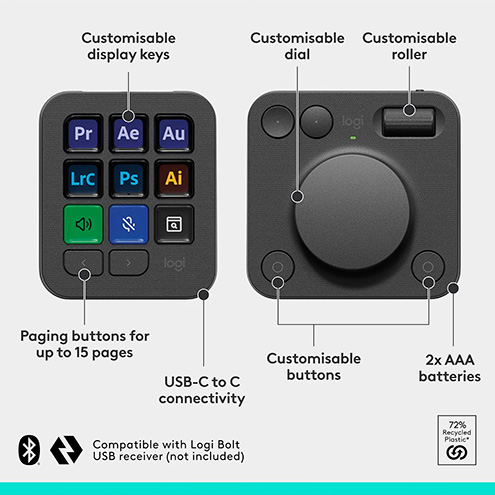
MX Creative Keypad gives you quick access to all the tools, shortcuts, and actions you need from your favorite applications with recommended profiles that let you get started right away on LCD display keys, or fully customize it to fit your own workflow and style.
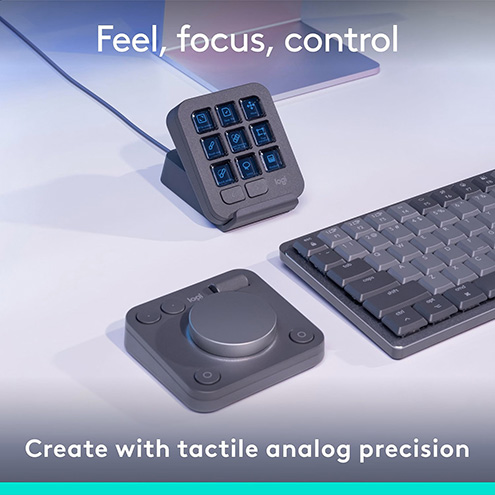
Feel, focus, control
Precise tactile analog controls on the Creative Dialpad lets you connect with your creative workflow. Make precise adjustments with an aluminum low-friction dial, navigate and adjust with a smooth roller, and access shortcuts with customizable keys.
Seamlessly integrated with your favorite apps
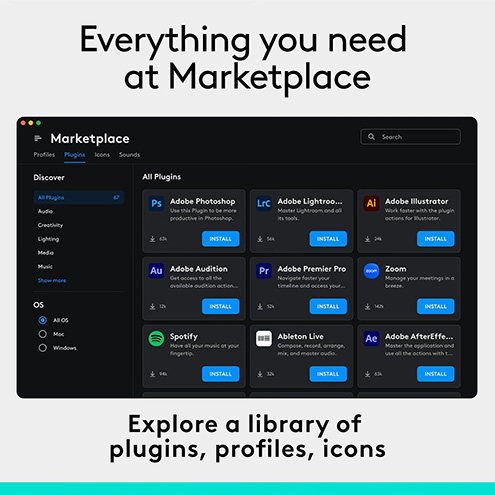
Instantly access actions and tools for apps such as Adobe Photoshop, Adobe Premiere Pro, Adobe Illustrator, Adobe Lightroom and Lightroom Classic, Final Cut Pro, DaVinci Resolve, Figma, Zoom, Spotify, and many more.
FAQ
Can it be used with video editing software?
Yes, the Logitech MX Creative Console is built for video editing. It has native integration with Adobe Premiere Pro, Final Cut Pro, DaVinci Resolve and Adobe Audition, with 9 customizable LCD keys and a control dial for timeline navigation, trimming and color grading.
Does it work with DaVinci Resolve?
Yes, the Logitech MX Creative Console lists DaVinci Resolve among its native app integrations, alongside Premiere Pro, Final Cut Pro and Lightroom. You can assign dial, roller and key actions to Resolve's timeline and color tools through Logi Options+.
Does it work with Final Cut Pro?
Yes, the Logitech MX Creative Console works with Final Cut Pro. It's listed among its app integrations, and Logi Options+ lets you assign blade, nudge, trim and delete tools plus the color wheels to the keys and dial. Setup is straightforward: you can start from a recommended profile, or build your own commands if you want more.
Does it work with Premiere Pro 2026?
The listing doesn't name Premiere Pro 2026 specifically. It does list Adobe Premiere Pro as a native app integration, and Logi Options+ can be used with recent versions of Windows and macOS.
You May Also Like...
Logitech G733 LIGHTSPEED Wireless Gaming Headset - View product
The Logitech G733 has 29+ hours of battery life and up to 20m of reliable wireless freedom.
Logitech Pro X 2 Lightspeed Wireless 7.1 Gaming Headset with Bluetooth (2023) - View product
Logitech Pro X 2 Lightspeed offers exceptional sound with graphene drivers, premium comfort, and 50-hour battery life.
Logitech G915 Lightspeed Full Size Wired Low Profile Gaming Keyboard (2019) - View product
Update your gaming setup with Logitech G915 X LIGHTSPEED, featuring lag-free wireless, double-shot PBT keycaps, and KEYCONTROL for full customization.